Francesco De Giorgio Software engineer · Pisa, Italy
IT EN
Let's talk

Online bookings and back office, built for you.

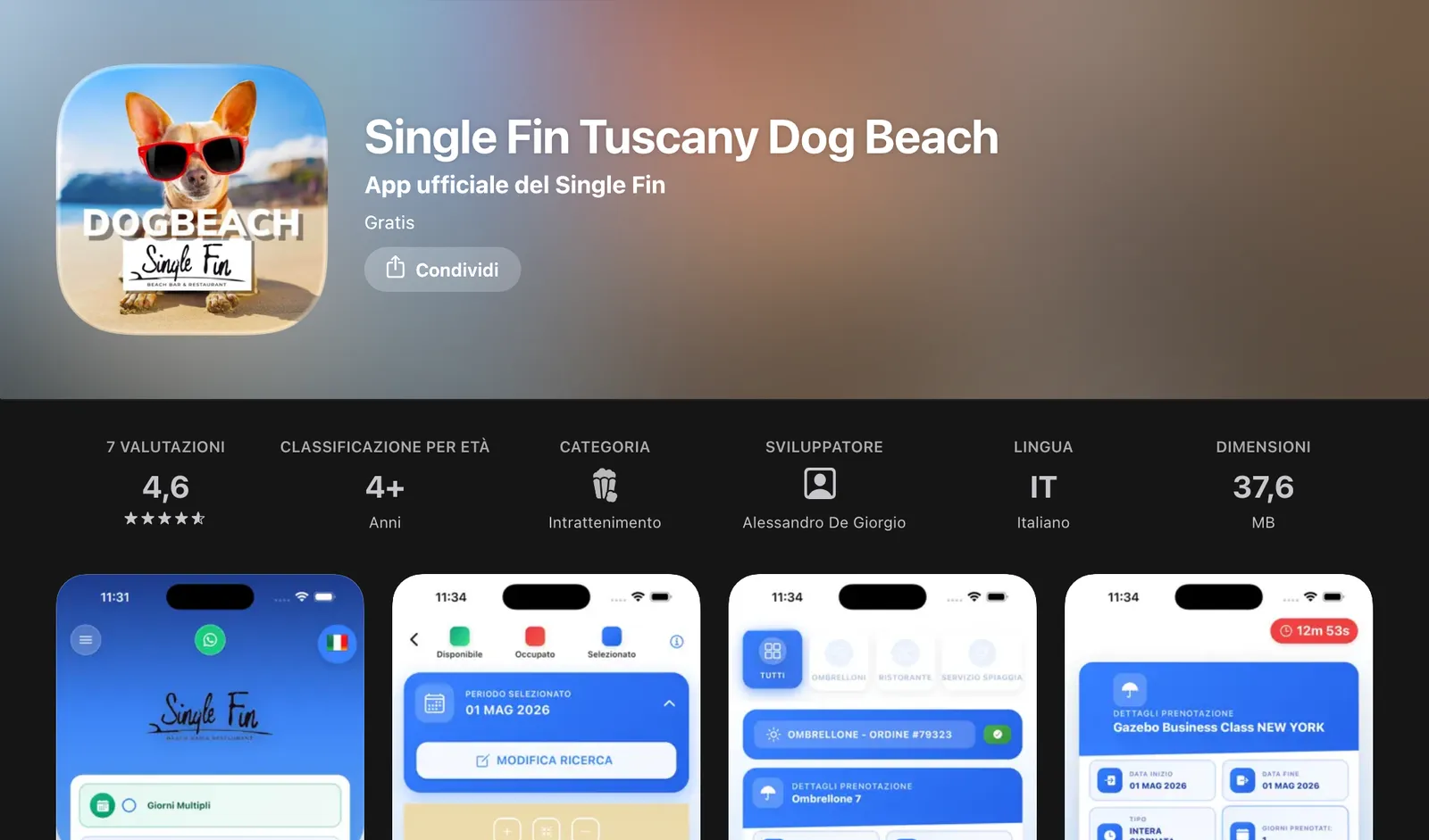
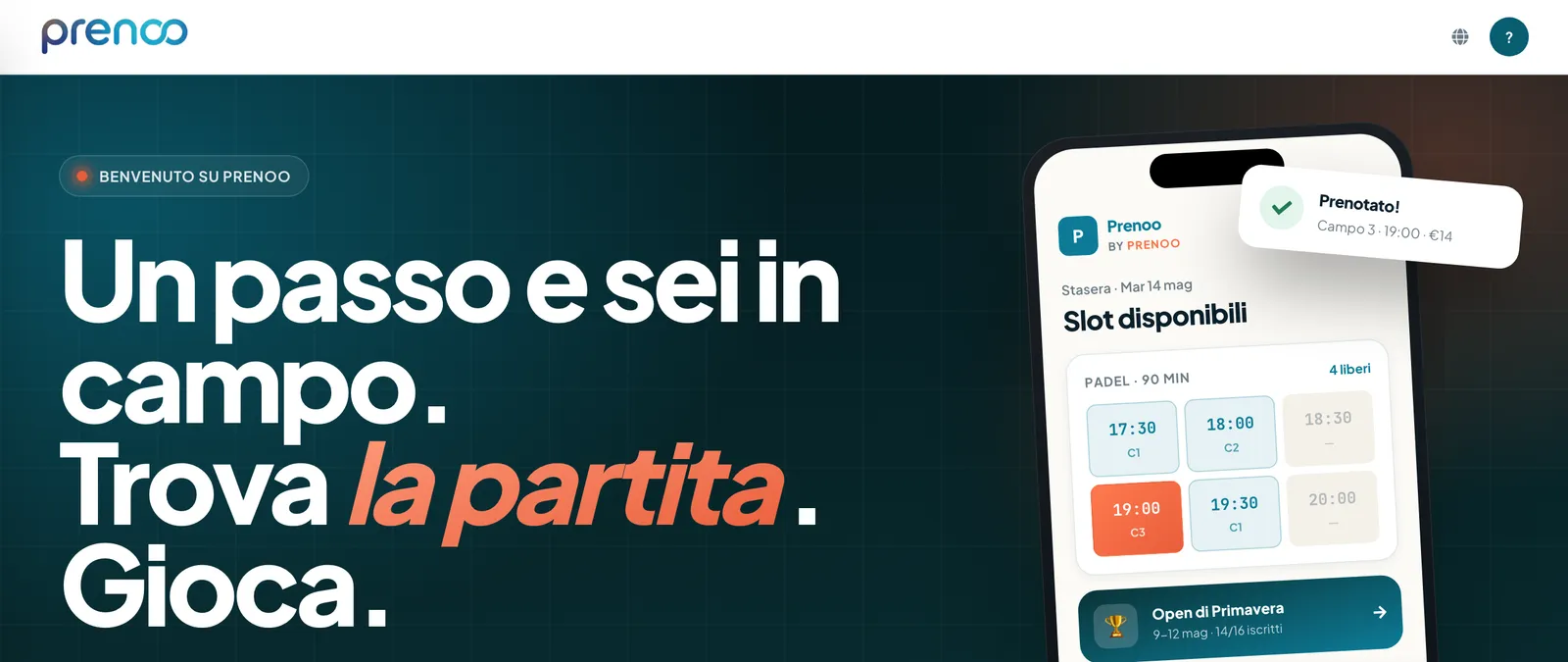
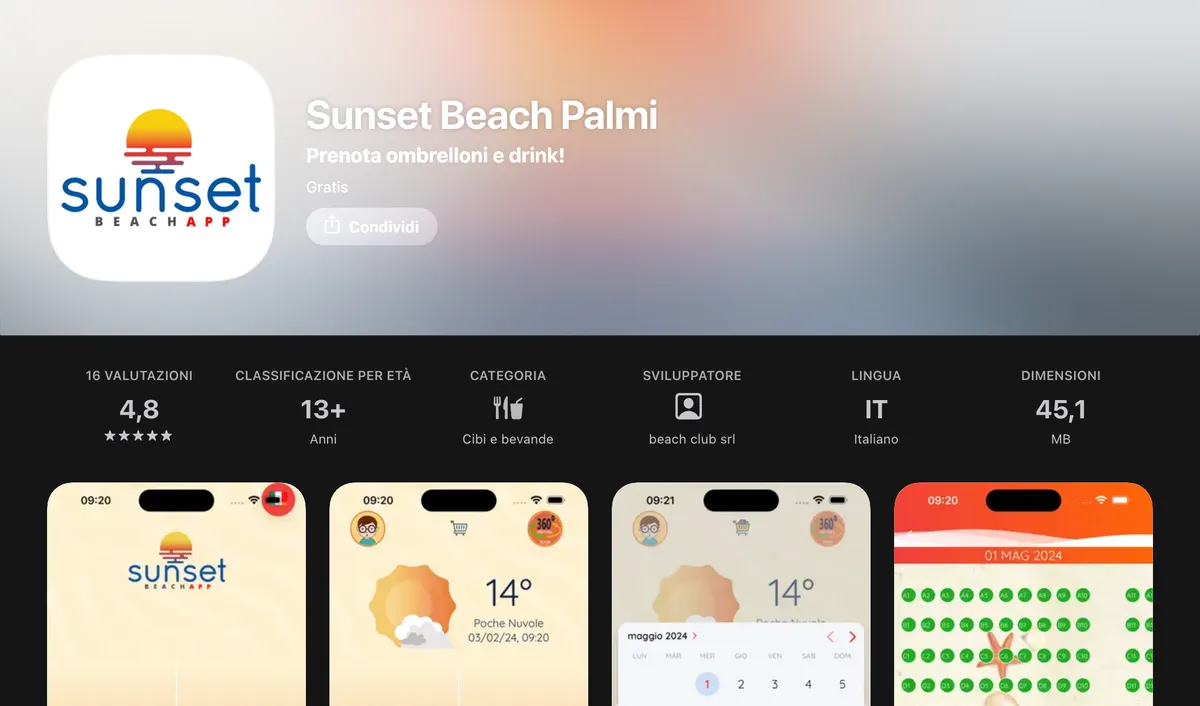
Calendars, availability worked out from your own rules, online payments through Stripe and an admin area that keeps the numbers for you. Not a subscription to a portal that takes a cut of every booking: a system built around your business, and one that stays yours. It is the work I do most often, and the one a whole product grew out of.

The problem

The real cost is not the fee, it is the cut

You pay most when things go well

Booking portals charge you twice: a fixed fee every month, and a slice of every booking that goes through them. The fee shows up on an invoice, the slice does not: it leaves before the money reaches you. And it grows with your work: the fuller you are, the more it costs.
The diary lives in three places that never talk

The sheet printed in the morning, the messages that came in at night, the calls during service. Three separate lists and one person holding them together from memory. While the numbers are small it holds; the first full Saturday, it does not.

Who this is actually for

Sports clubs with courts and courses, beach clubs with parasols and a restaurant, gyms, hire businesses, studios and workshops that run on appointments. The trade changes, the mechanism does not: something limited to hand out by the hour, and a payment to close at the same time.

What it includes

The four pieces that have to be there

Not a brochure list: these are the parts a booking platform needs to survive a whole season, and the ones I have built for years across different trades.

1

Calendars and real availability

Courts, parasols, rooms or studio hours: whatever you have to hand out, availability comes out of your own rules. Opening hours, slot length, one‑off closures, commitments that repeat every week. People booking only see what is genuinely free, so a double booking stops being something to avoid and becomes something the system will not allow.

2

Online payments with Stripe

A deposit at booking or the full amount, cards and wallets, an email confirmation the moment the payment clears. Stripe handles the delicate part, since that is its trade, and the money lands in the account registered to you. Someone paying at the desk is recorded the same way, next to their booking.

3

Admin area, roles and permissions

The owner sees everything, whoever is on the desk sees what they need to work, the customer only their own bookings. These are not tick boxes on a settings screen: every request is checked before it gets an answer, so a denied permission stays denied even for someone going around the interface.

4

Reports and messages to customers

Confirmations, reminders before the appointment and cancellation notices go out on their own, under your name. On the other side you get the slots that fill, the ones that stay empty and who comes back: figures that build up while you work.

Availability Booking Payment Confirmation Reports

Under the hood

The things you only learn in the second season

A back office is not judged on launch day but in year two: when the data has piled up, the staff has changed and you need something that was not there before.

Your data stays yours, and it travels

Customer records, booking history, transactions: they are yours and you can export them whenever you like, in a format that opens in a spreadsheet. Code, domain and payment account are registered to you. If one day you carry on with somebody else, you take the lot.

Export · Ownership · No lock‑in

And your customers stay yours

People who book leave their details with you, not with a middleman who will use them to push the competitor down the road. Over time that weighs most: a list of customers you can write to when you reopen, instead of buying the same audience back every year.

Records · Messaging · History

It fits what you already use

Almost nobody starts from nothing: there is a website, sometimes an app, a shared calendar, accounting software. The system exposes an API and tells the other programmes when something happens, so bookings show up in the calendar you already use and figures reach where they are needed.

API · Webhooks · Integrations

You switch without stopping

The paper diary does not get switched off on day one. We start with one slice and for a while the two systems run together. The sheet goes when nobody opens it any more.

Migration · Handover · Training

If you also need the shop window that carries people to the booking form, the public side is built in the same workshop: websites and e‑commerce. If bookings should sit in your customers' pockets, with notifications and an icon on the phone, add an iOS and Android app. And when the messaging becomes repeated work, the answer is automation.

Frequently asked

What people ask me before we start

Why not just take a ready made booking portal?

You can, and sometimes it is the right call: if the bookings are few, a subscription is the shortest route. The maths changes once the volumes grow, because the monthly fee stays and the cut grows with your work. It changes earlier, too, the moment the rules of your trade have to fit boxes designed for somebody else.

Is there a commission on every booking?

Not on the platform I build, because there is nobody standing between you and the person booking. What remains is Stripe's processing fee, visible in your own dashboard and charged only on card transactions. The money lands in the account registered to you.

Can I keep the website I already have?

Yes. The booking system can live inside your current site as a dedicated section, or alongside it on the same domain, and visitors do not notice the handover. If the site is old and holding bookings back I will say so, but those are two separate jobs.

How do we move off paper and WhatsApp without stopping?

Nothing gets switched off on day one. We start with one slice, one court, one row of parasols, and for a while the two systems run side by side: new bookings go into the system, the ones already taken stay where they are until they expire. Meanwhile I import the records you have and show your staff how the desk works.

06 · Contact

The bookings
should be
yours to run.

Tell me how you take bookings today and what costs you the most time: I reply within 24 hours with an honest read on it.